
Star Printers Troubleshooting: Preventing Client Churn
Hardware · networking · ESC/POS · 5 Star printers · high-value client
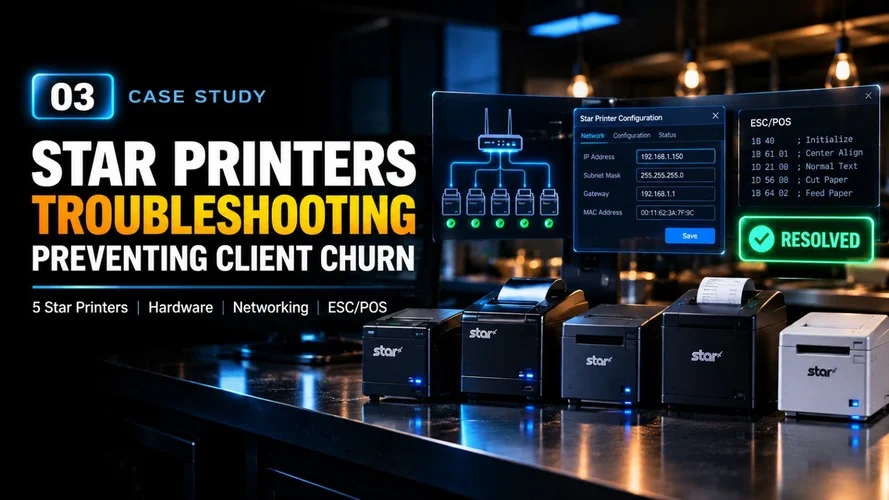
The Issue
During a busy service, 5 Star printers were affected at a high-value restaurant client.
The issue had already gone through on-shift support without a successful resolution, and the client was considering ending the relationship.
Troubleshooting
I took ownership of the escalation and investigated the environment across multiple layers rather than treating it as a simple printer failure.
The investigation uncovered three separate issues:
Hardware:
The Dine-Out kitchen printer had a depleted ribbon. I moved a working ribbon from another station to restore immediate printing.
Networking:
The physical MAC addresses for the printers were missing from the cloud portal. I accessed the printer web interfaces remotely, identified the MAC addresses, validated the network configuration, and confirmed the correct subnet/IP relationships.
Protocol:
The affected printer profile was configured for Epson ESC/POS instead of the required Star line-mode protocol.
Resolution
I corrected the printer protocol, established the required MAC-to-static-IP bindings, and updated the affected station configuration.
I also moved an idle thermal printer from a lower-traffic station to a high-traffic station and updated the corresponding profiles and IP mappings.
Impact
The restaurant’s printing workflow was restored without waiting for an emergency hardware dispatch or truck roll.
The incident was resolved during active service, helping retain the client while also exposing configuration requirements that were subsequently documented for future troubleshooting.